

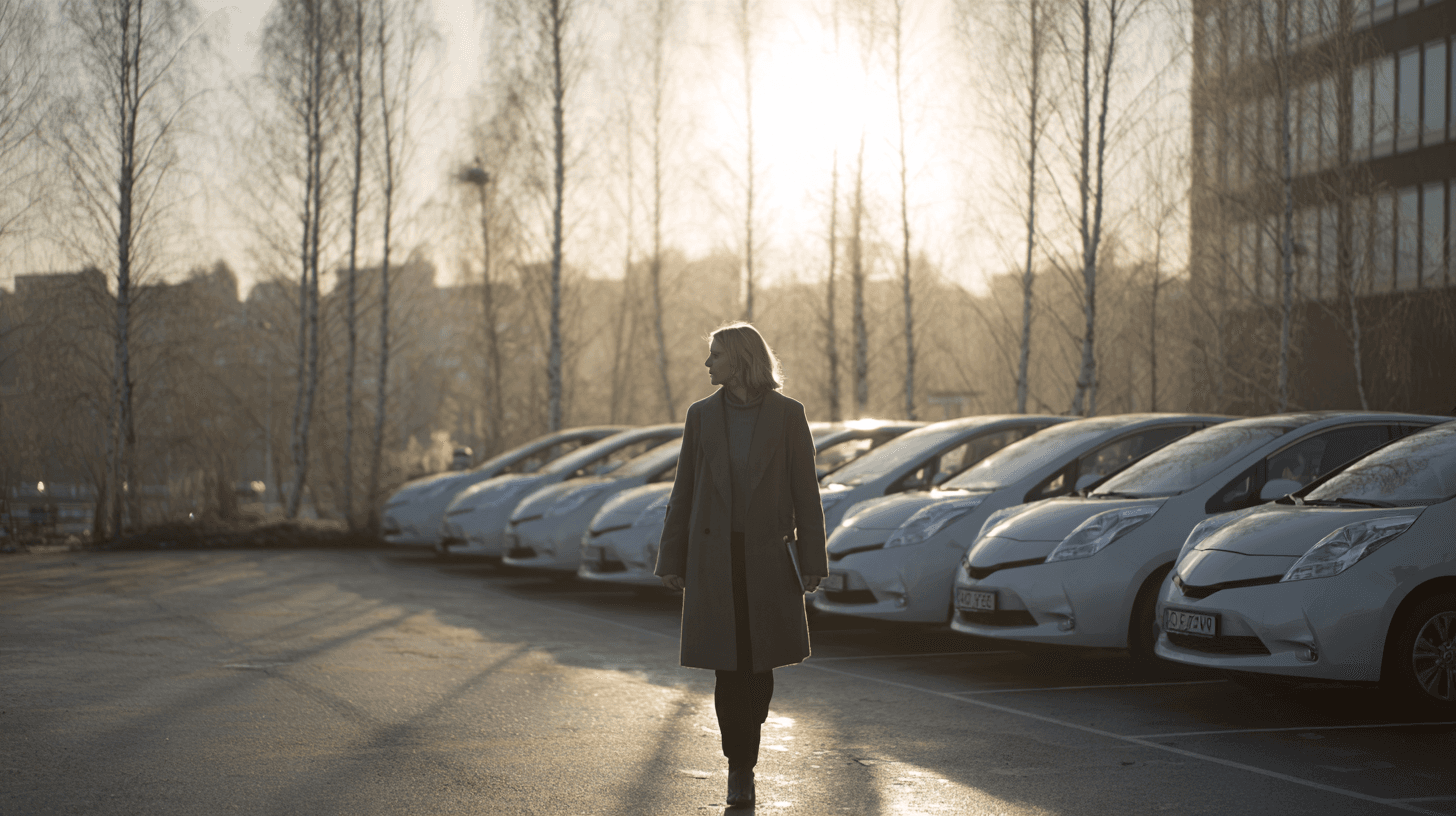
Fleet management that does the work itself.
Booking, keyless access¹, keyless access needs a key module fitted in the car, logbook, service and tasks in one system. Newer cars share data themselves. Older cars get a small unit.
- BankID
- Within the EU/EEAEU/EEA
- Role-based accessRoles
Illustration
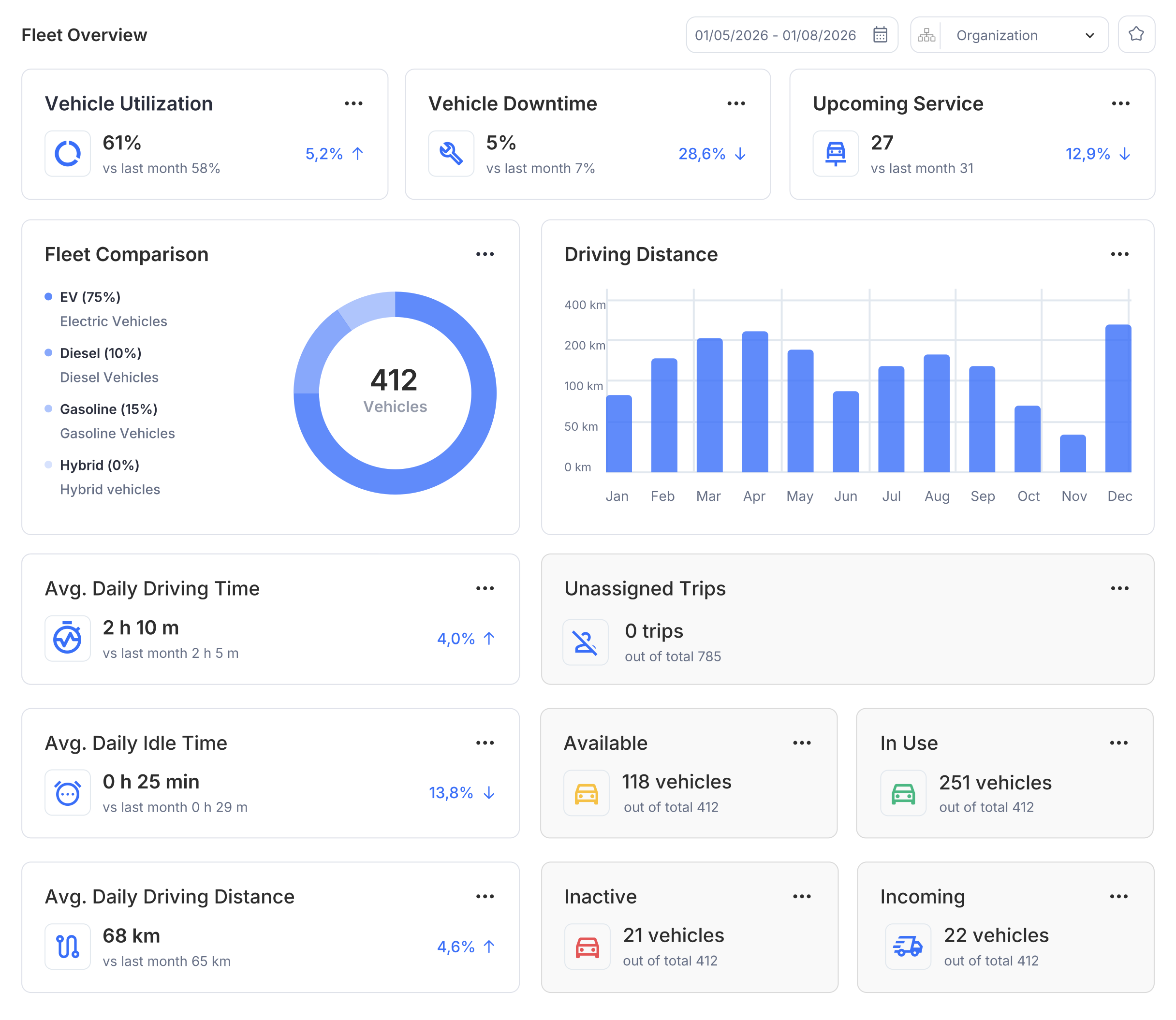
412cars. One screen.
The whole fleet in one place.
Which cars are out, free, inactive and on their way in. How much each car is driven, and what is nearing service. What the fleet manager sees every morning, before the first coffee.
From booking to finished logbook. No key.¹, keyless access needs a key module fitted in the car
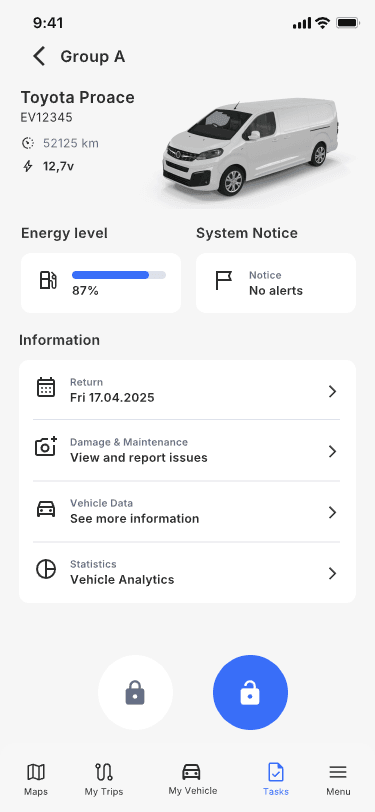
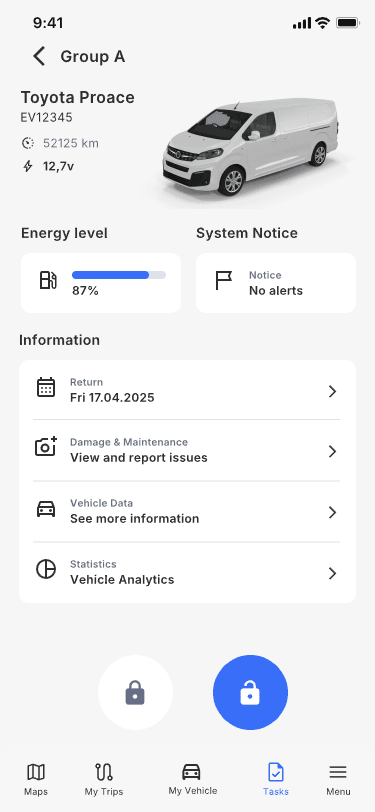
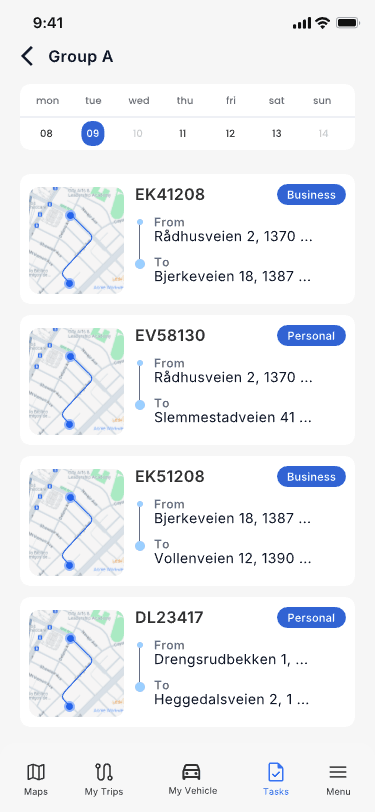
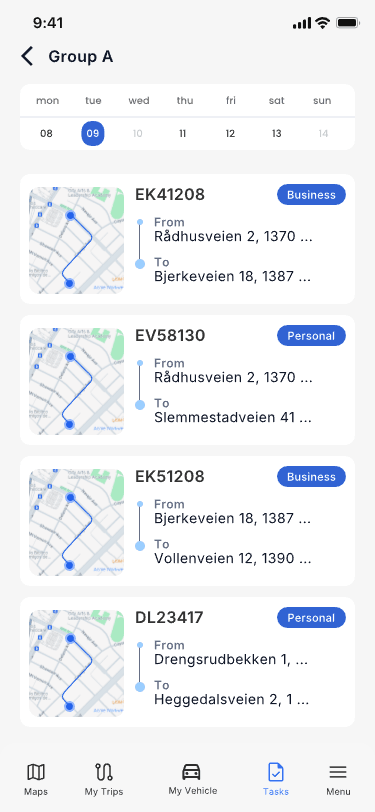
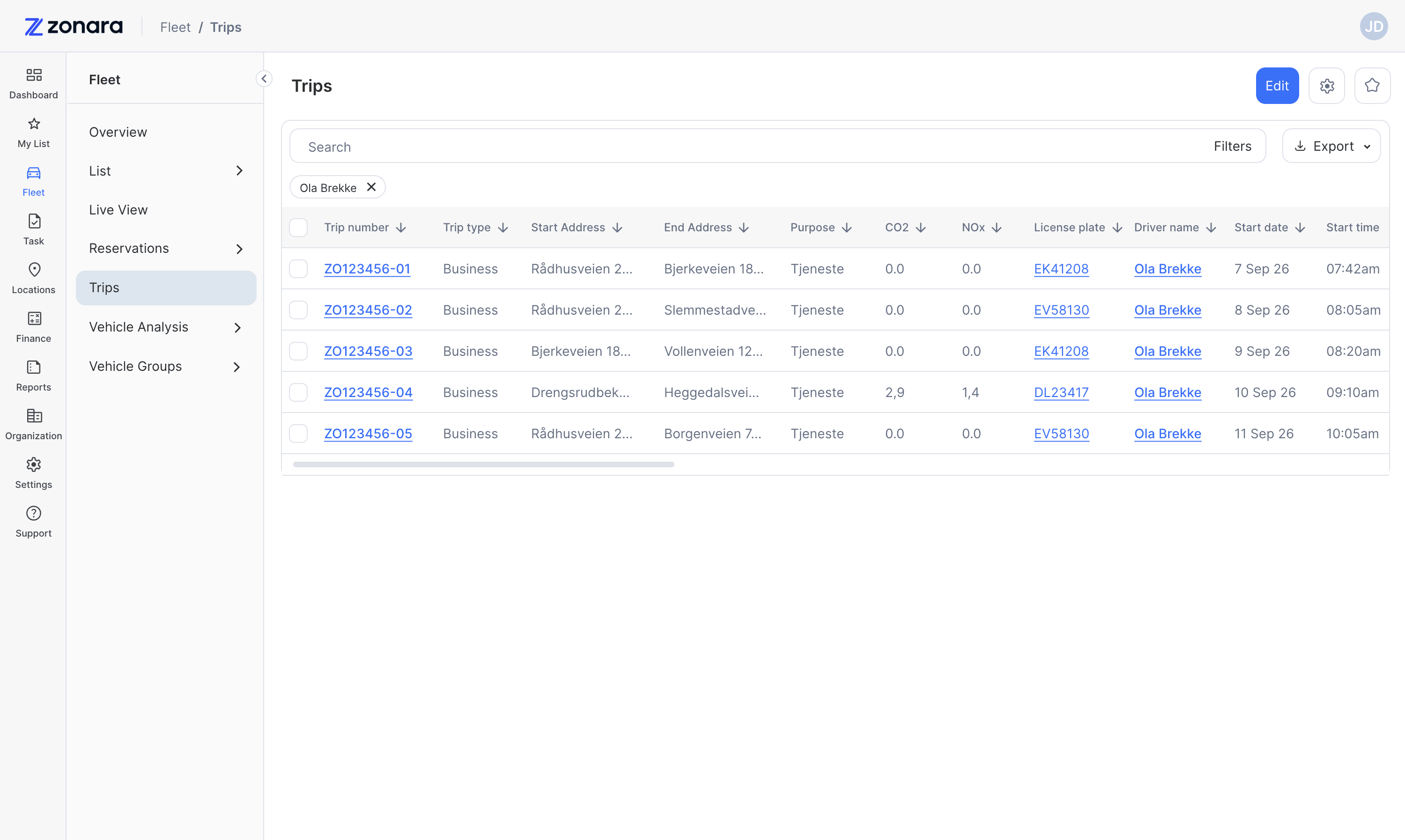
This is what a trip looks like in Fleet OS. No keys, no forms, no logbook to fill in afterwards.
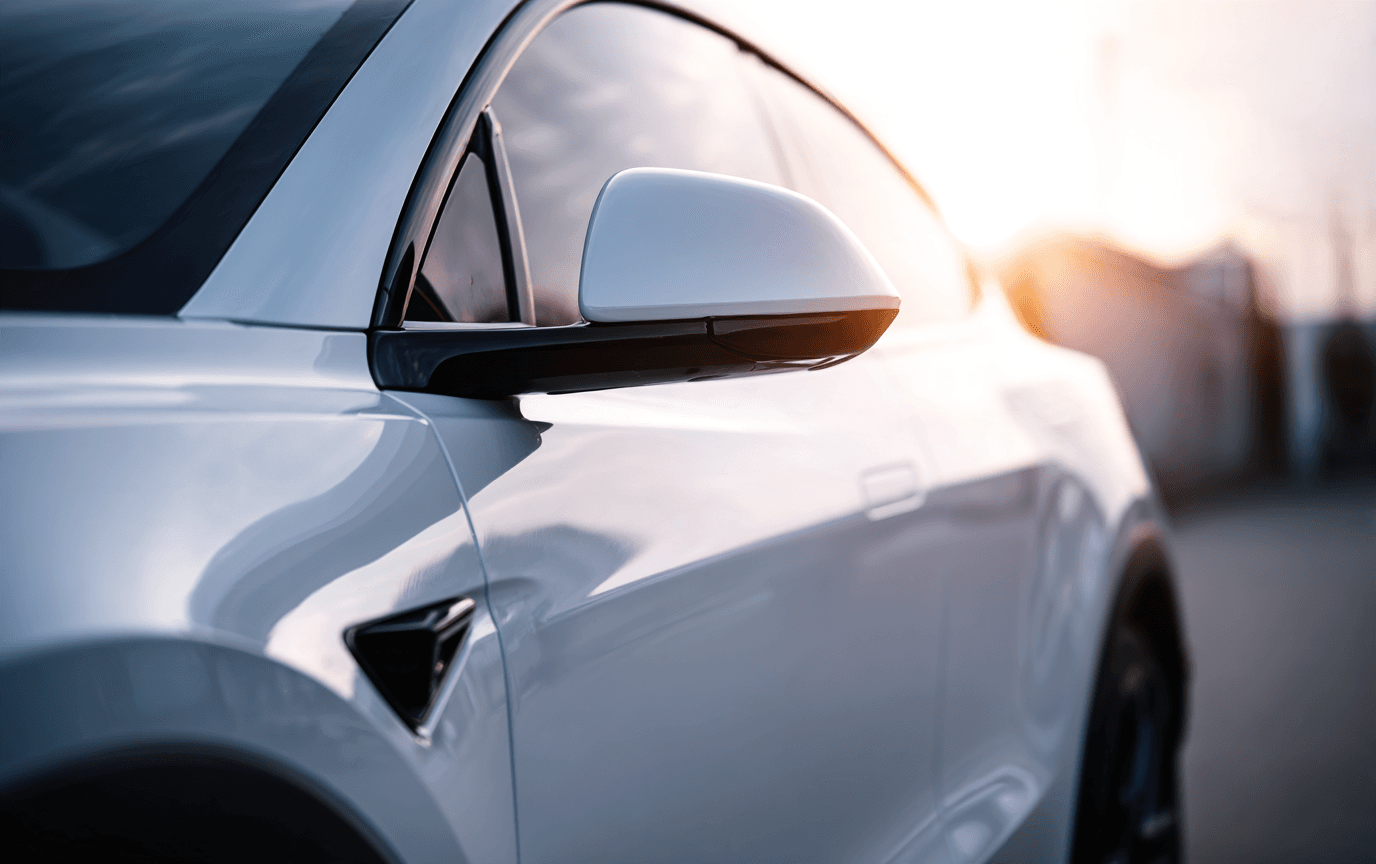
Book
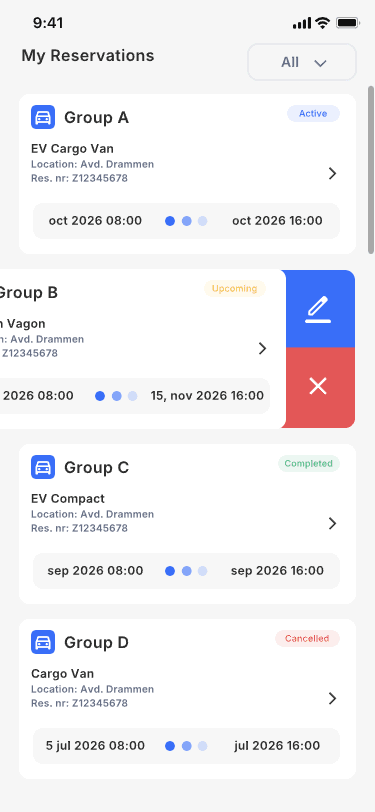
An employee chooses a car and a time in the app. She can move or cancel when plans change. The car is reserved for her, and only her.
Unlock
At the car she taps in the app. The door opens. The key stays in the cabinet, for good.
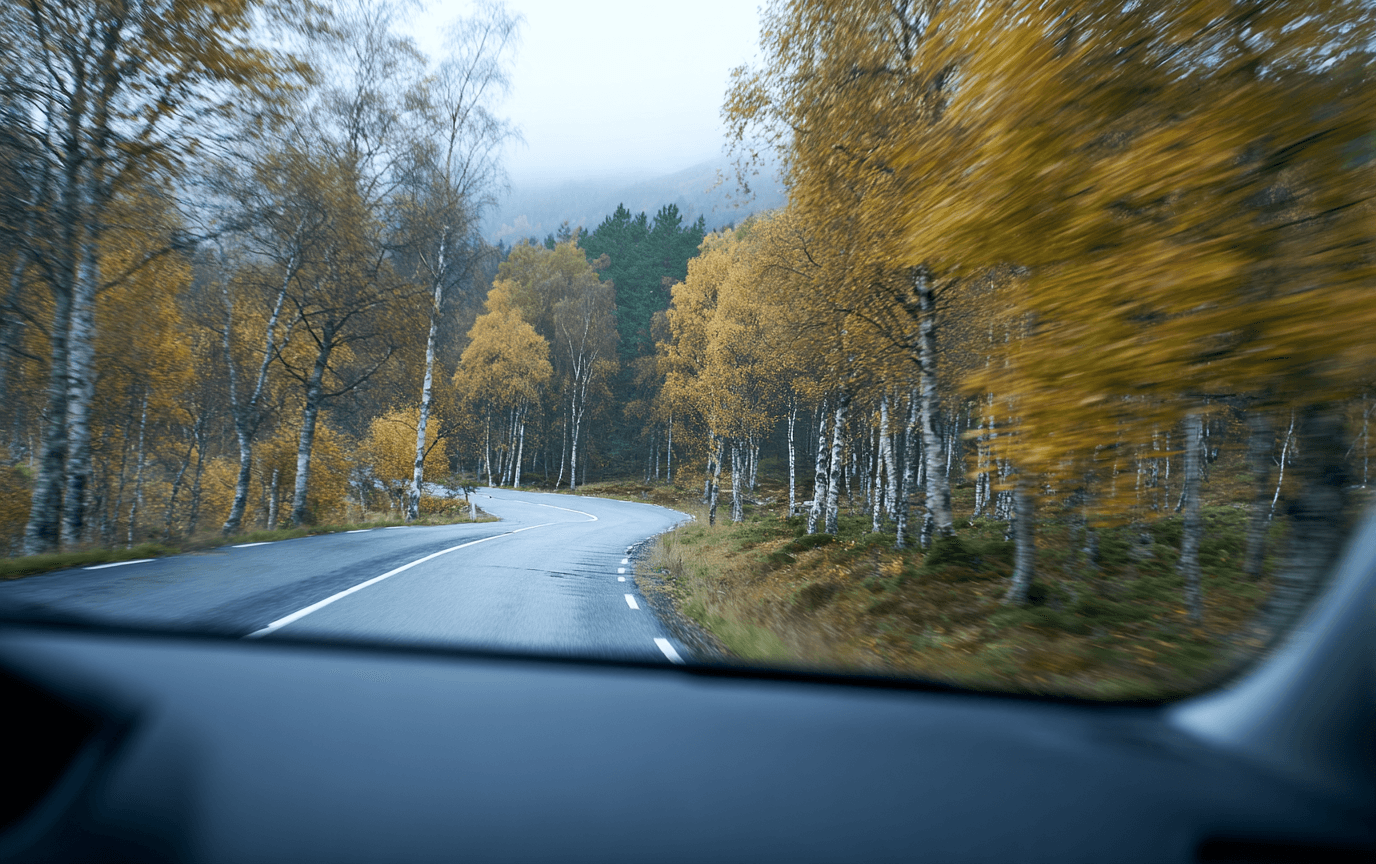
Drive
The trip is logged with start, stop and kilometres. The logbook writes itself, verified with BankID.
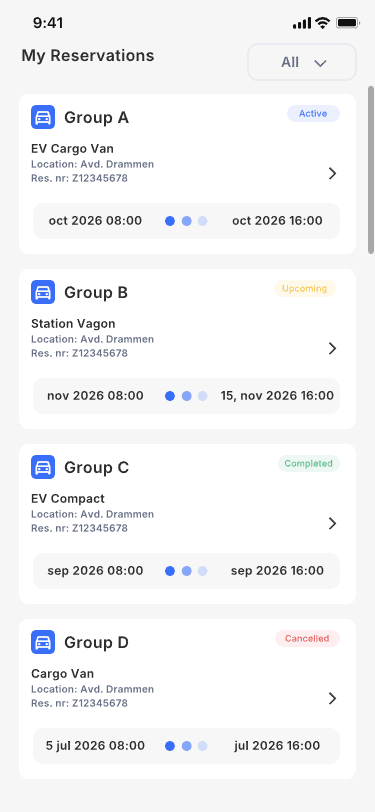
Overview
The fleet manager sees every trip: who drove, which car, how far and when. The whole fleet in one place.
¹ Keyless access needs a key module fitted in the car.

Illustration
One system. Everyone sees their own.
Create your own roles, or use Admin, Fleet admin and Driver. Access is set per page, globally or for your own department.
Example data
- Organisation
- DepartmentOperations
- CarEM 21407
- CarEM 21418
- DepartmentSales
- CarEQ 30512
- CarEQ 30527
- Subsidiary
- DepartmentOperations
| Page | Scope | Read | Create | Edit | Delete |
|---|---|---|---|---|---|
| Fleet | GlobalDepartmentNone | ononoff | ononoff | ononoff | onoffoff |
| Tasks | GlobalDepartmentDepartment | ononon | ononoff | ononon | ononoff |
| Locations | GlobalDepartmentDepartment | ononon | ononoff | ononoff | onoffoff |
| Finance | GlobalDepartmentNone | ononoff | onoffoff | onoffoff | onoffoff |
| Reports | GlobalDepartmentNone | ononoff | onoffoff | onoffoff | onoffoff |
| Organisation | GlobalNoneNone | onoffoff | onoffoff | onoffoff | onoffoff |
A free car, without searching.
Book from a car group and get a free car assigned, or choose a specific car. The organisation decides the setup.
Example data
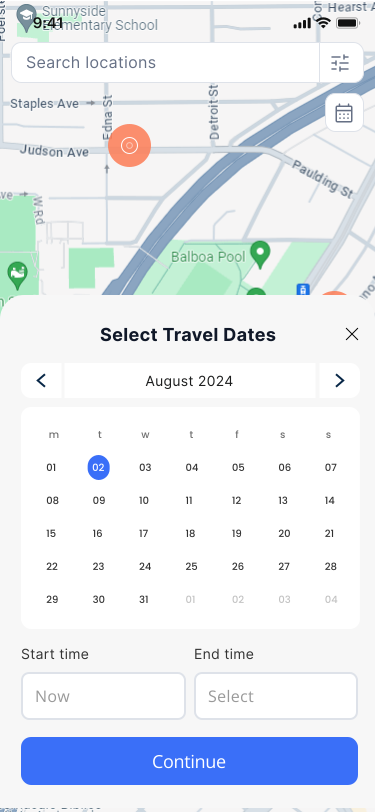
Reservation 08:00 to 15:30. Car group: Car group A, 5 cars, 2 free, can be booked: EM 21407 busy, EM 21418 free, EQ 30512 busy, EQ 30527 free, EM 21433 busy. Start now: assigned car EM 21418, photos taken, use started. Single car: Duration: 1 hour to unlimited. EM 21407 busy, EM 21418 free, EQ 30512 busy, EQ 30527 chosen, EM 21433 busy. Start now: assigned car EQ 30527.
Find out when the damage happened.
Choose an angle and go back through the reservations, side by side with the damage photo, until the damage appears.
Photos are taken at the start and end of every reservation, whether it lasts three hours or three years.
Example data
The damage is not in the photo from reservation 13. It happened between reservation 13 and 14.
The logbook writes itself.
Start, stop, kilometres and driver, verified.
Every trip is logged from the car, not from the phone. No app to remember to start.
The driver marks business or private. The rest is already there.
Filter by driver, car or period, and export when the auditor asks.
Example data
- Start
- 08:12Oslo centre
- Stop
- 08:51Lørenskog
- Km
- 27.1
- Driver
- Ingrid Haugen
- Purpose
- Business
Map: © OpenStreetMap contributors.
Tasks for one car, a selection or the whole fleet.
Service interval per make and model.
Switch on the manufacturer’s service programme when the car is imported. Fleet OS creates the task and notifies the person responsible. Close to the deadline it is marked as critical.
One order, as many cars as you like.
Create the order, link one car, a selection or all of them, and choose who carries it out: a person or a role, for example the driver.
Example data
Work order WO000014, Service, Priority High, Due 12 Nov. To do, In progress, For approval, Done, Archived: To do. Assigned: Role, Drivers. Approver: Fleet admin. Manual: No car; One car: EM 21407; Selection: 2023, Automatic, Hybrid, 6 cars; All cars: 24 cars. Automatic: Service programme Auto, 29,640 / 30,000 km. To do, 6 weeks before; Critical. Winter tyre change: 18 of 24 cars changed.
Limits you set yourselves.
City, county, country or your own zone.
Set a rule for whether the car may leave the country, and get an alert if it does. Create zones around your own car parks, customers and projects.
Time on site.
See how long the car was at the customer. An alert when a car drives in or out, and an alert when the maximum time is exceeded.
Map: © OpenStreetMap contributors. Municipal boundary: © Kartverket (CC BY 4.0).
Tracking when it is needed. Otherwise not.
Tracking can be switched off per car. Live position requires the right access and a reason: cause, comment and time window. Without access you only see your own car.
Without a unit in the car, the position is updated at start and stop, or at fixed intervals. With a unit in the car, it is updated continuously.
Example data
Request. Access check. Right access: Cause, comment and time window 10:00 to 12:00, live view 10:00 to 12:00. No access: own car only, EQ 30527.
Reserved is not the same as used.
Fleet OS sees where the car actually is: at the office, at a customer or on the road. Emissions are calculated per car from fuel, kilometres and the car’s emission data.
Example data
EM 21418, 08:00 to 16:00. Reserved: 100%. Actual: at the office 08:00 to 09:30, on the road 09:30 to 10:15, at a customer 10:15 to 12:45, on the road 12:45 to 13:30, at the office 13:30 to 16:00. Utilisation: 50%.
28 makes. No installation.
Newer cars share their data themselves. Older cars get a small unit.
- Alfa Romeo
- Audi
- BMW
- Citroën
- Cupra
- Dacia
- DS Automobiles
- Fiat
- Ford
- Hyundai
- Jeep
- Kia
- Lexus
- Maserati
- Mercedes-Benz
- Mini
- Nissan
- Opel
- Peugeot
- Polestar
- Porsche
- Renault
- Seat
- Skoda
- Tesla
- Toyota
- Volkswagen
- Volvo
Check whether the car can connect
We check the number against the manufacturer’s connected service, without owner details. Zonara does not store the number or the answer. The value may appear in technical logs, which are deleted within 90 days.
One price per car. The same Fleet OS whichever way in.
The price follows how the car is connected, not how many features you use.